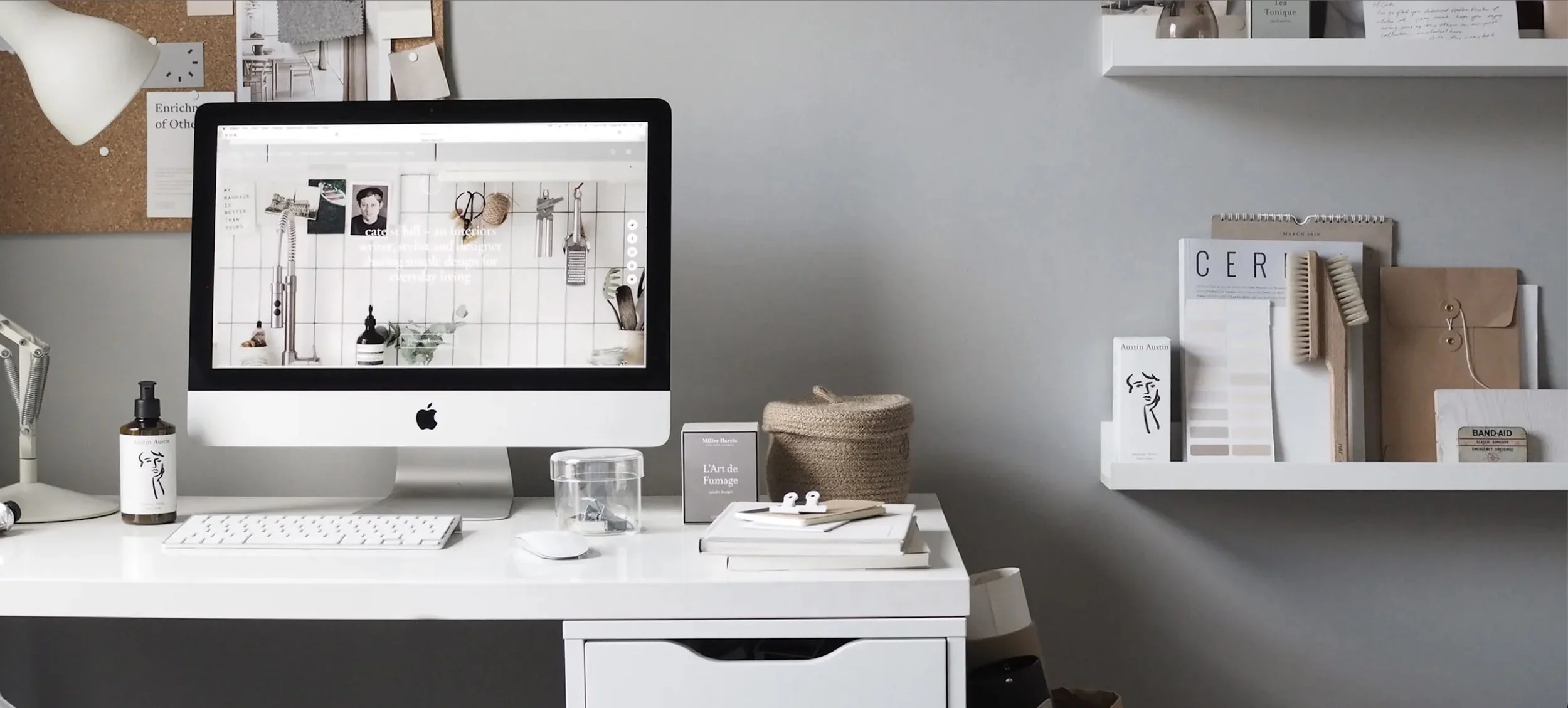
YOUR BRAND
Create your vision
Palette Generator
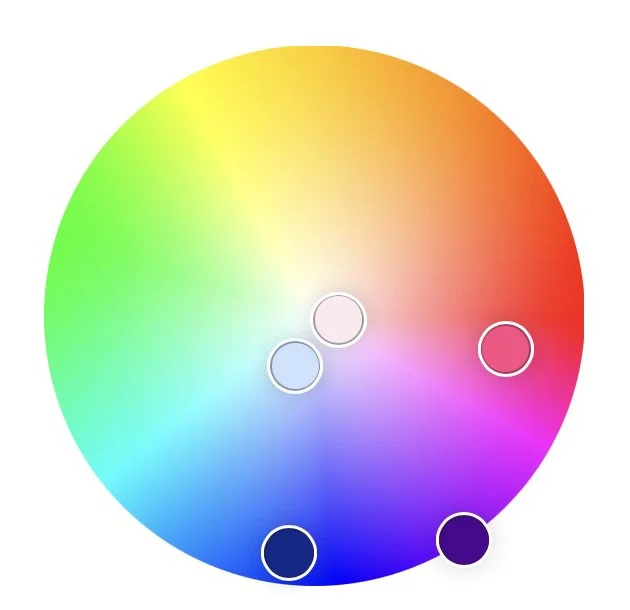
If you know your primary colour - you can start here.
Else leave this step until last
Use the colour palette generator to create harmonious colour schemes. Choose a base colour, apply a colour harmony, and generate a balanced palette instantly.
Brand Style
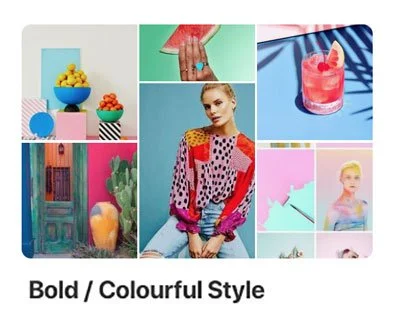
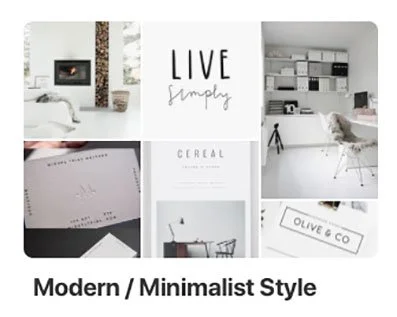
Explore the 5 Brand Styles below - they lead to a broader selection of the style. Choose one that resonates most - you could cross over into a couple.
CREATE a new Pinterest board just for your Brand and pin anything that you really love. AIM for 20 pins.
BONUS: once a Style is established use that word in your Pinterest search
eg. Minimalist Branding
Minimalist Pattern
Minimalist Website
Minimalist Inspiration
Minimalist Style
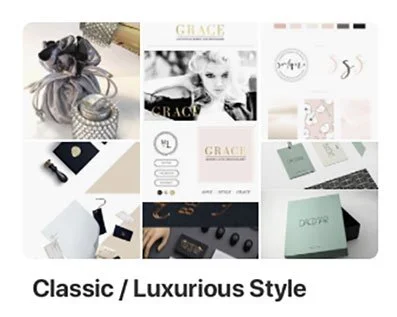
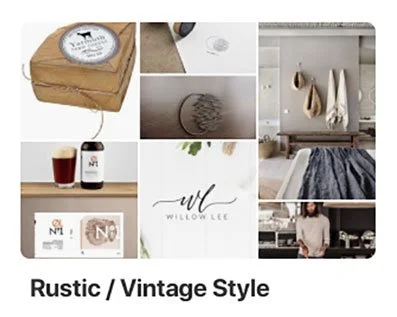
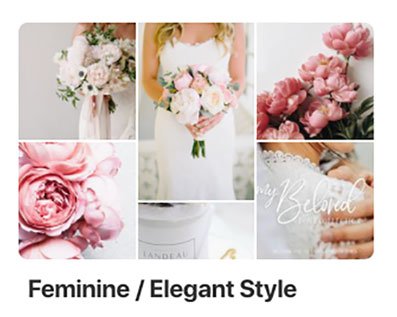
Palette Generator from Images
When you gather a group of images you’re naturally drawn to, your colour preferences often become much clearer.
Take a screenshot of your full Pinterest board, then upload it to a palette generator. By stepping back and looking at the board as a whole, you’ll start to see the colours, tones and moods that keep repeating.
It’s less about choosing colours one by one, and more about noticing the visual pattern your eye already loves.
Start with a collection of images you love.
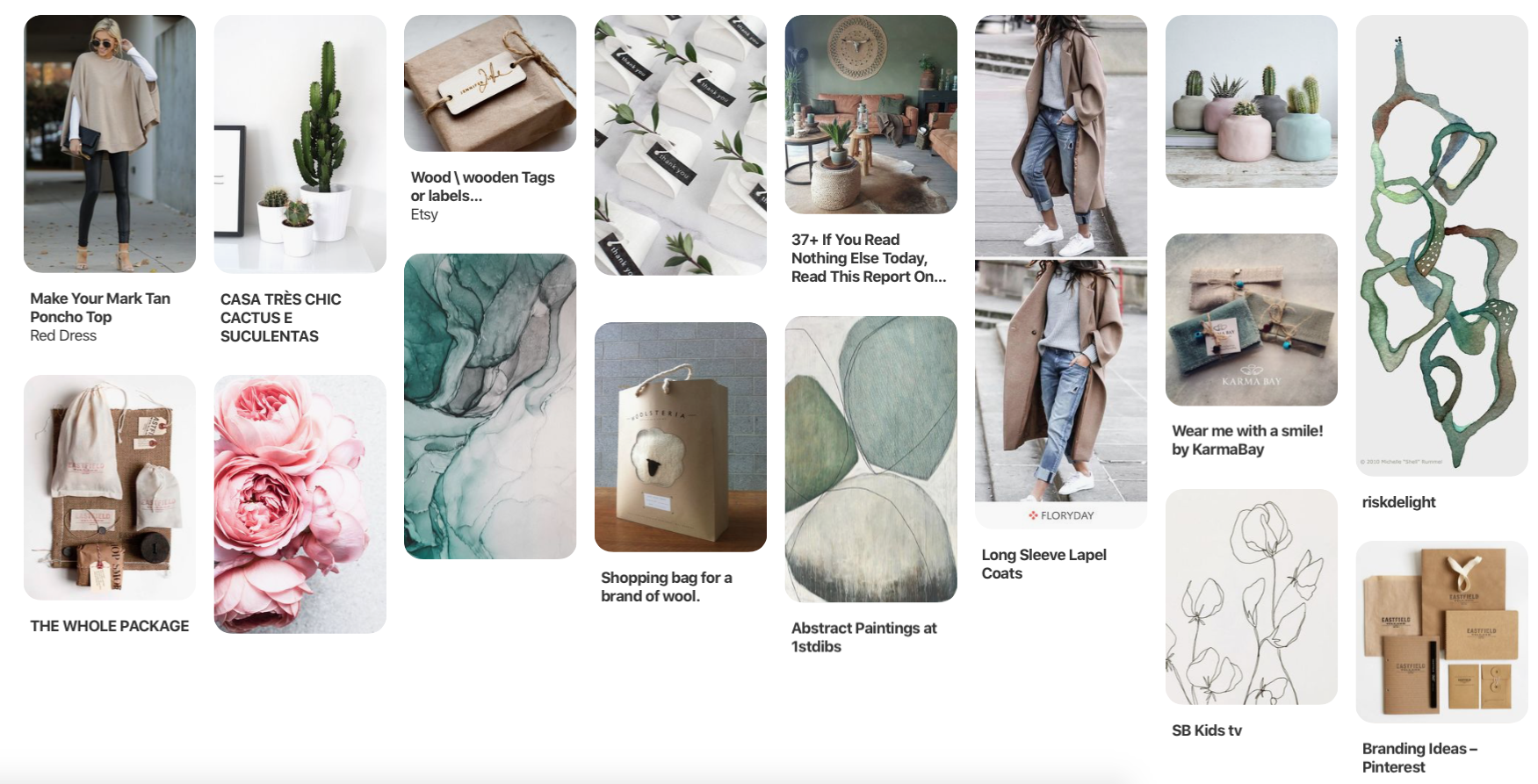
Then let the palette generator reveal the colours that keep showing up.
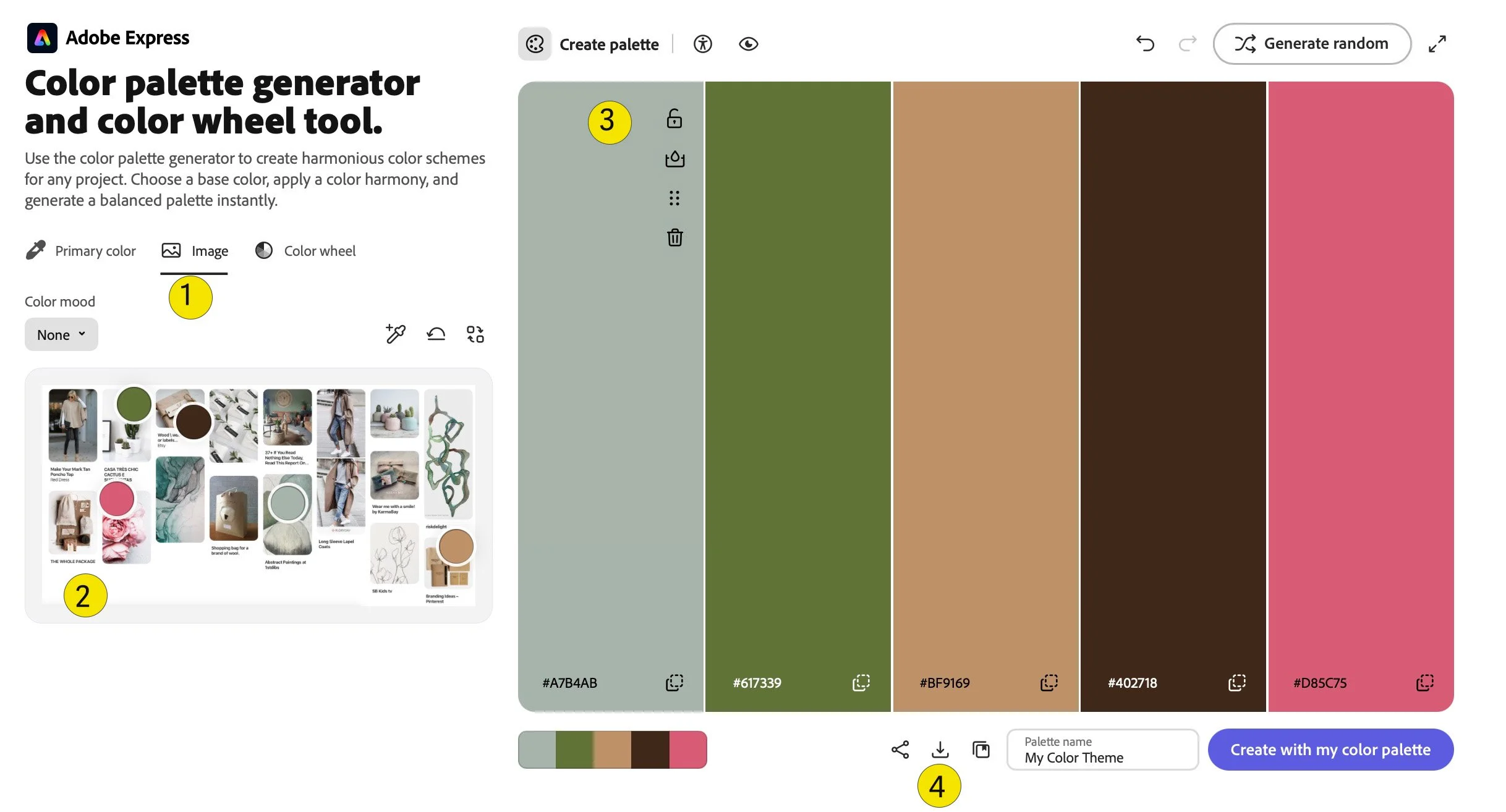
Click the image icon and upload your Pinterest board screenshot.
Notice where all the round colour dots are - move them around until you find a colour/tone you like - it will be reflected on the panel to the right.
Any colours you like and want to keep - hover over the top right of the colour panel and LOCK with the padlock icon. That way you can lock a few colours in and the system can generate some more for you.
Drag to change the order & change tint if you want lighter/darker..
Click the white “Generate Random” button at the top for system generated.Once happy, download your colour palette.