A message for Sandy's 90th — November 25th, 2026
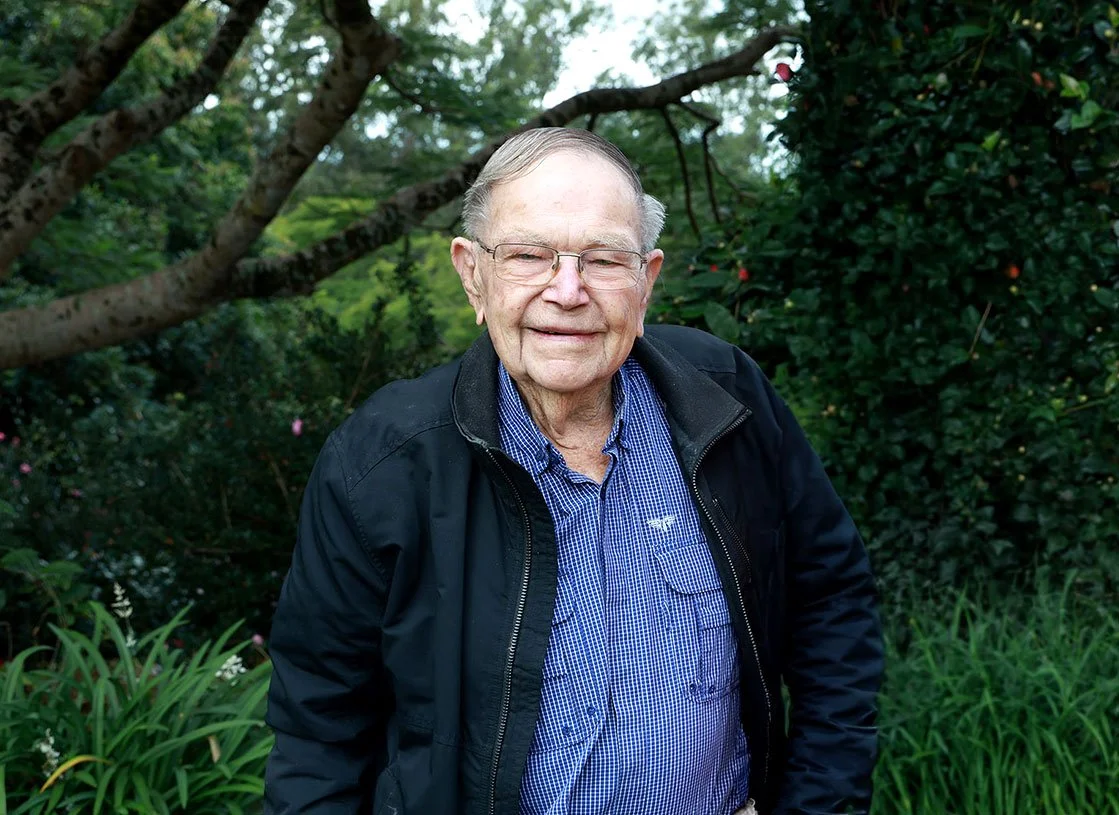
Our Dad Sandy turns 90 on November 25th, 2026. We're collecting short video messages from the people who've known him across his life — and we'd love one from you.
Sandy turns 90 on November 25th
✳︎
Sandy turns 90 on November 25th ✳︎
Step 1. Film your message on your phone — sideways, like watching TV
Step 2. Start by saying your name and how you know Sandy
Step 3. Send it using the button below — no Dropbox account needed.
Even 30 seconds is perfect. Just talk — don't overthink it.
A. Dropbox Upload
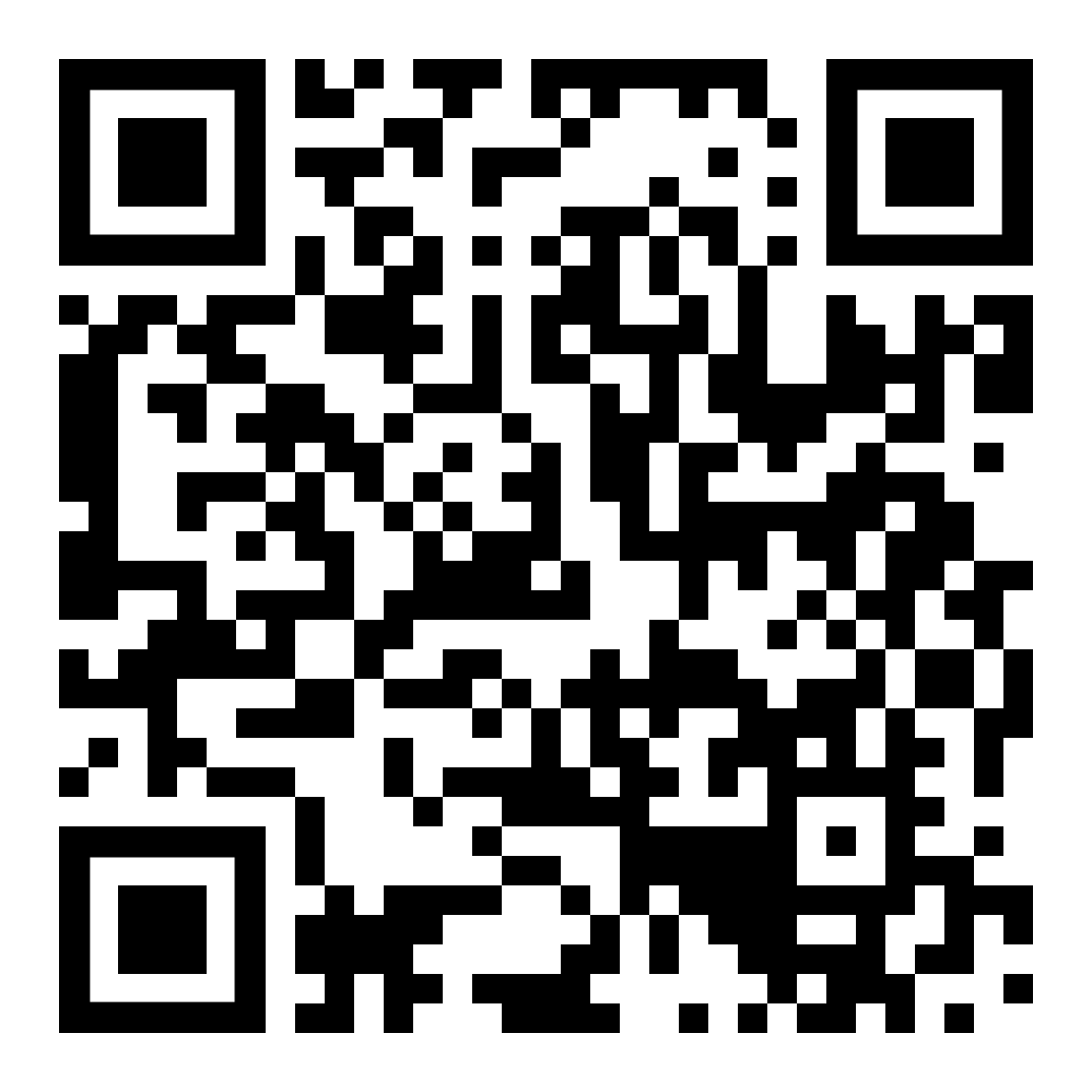
B. Scan for Phone
C. Email
Please send your video by October 30th, 2026
— thank you so much.
Frequently Asked Questions
-
Grab a family member, neighbour, or friend to help you film and send it — that's completely fine and very much encouraged. Many people do. The most important thing is that Sandy hears from you.
-
No, not at all. Just click the link or scan the QR code and it takes you straight to the upload page. No sign-up, no passwords.
-
Easy fix. On your computer, point your phone camera at the QR code on this page. A link will pop up on your phone screen — tap it and it opens the upload page directly on your phone, ready to go.
-
Turn your phone on its side — like you're watching a movie, not taking a selfie. That's it. It makes a big difference to how it looks when we play it for Sandy.
-
However long feels right. Even 30 seconds is wonderful. Two minutes is plenty. There's no wrong answer.
-
Just start with your name and how you know Sandy, then say whatever comes naturally. A memory, a hello, a funny story — anything. It doesn't need to be rehearsed or perfect.
-
Open the Dropbox link on your phone, tap "Choose File," allow access to your photos when asked, select your video, and tap Upload. Wait for the confirmation and you're done.
-
Use the Dropbox upload link or QR code instead — it handles large video files easily.
-
Absolutely. A written message is just as welcome. Simply email it to jacquelinejc007@gmail.com